




Timecheck Integrates with any Face recognition & Biometric attendance devices
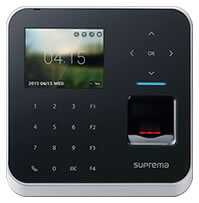
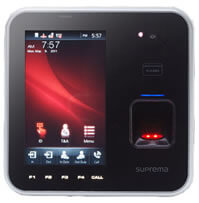
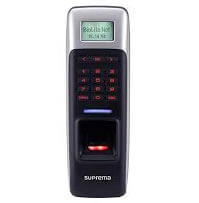
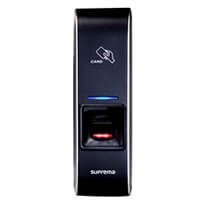
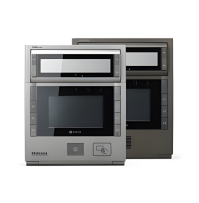
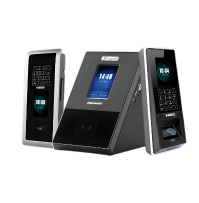
Timecheck’s feature rich employee time and attendance software can be integrated with most Biometric and Smartcard terminals. Various supporting Hardware Devices include Suprema face recognition system, ESSL, Anviz Face Pass Pro, ZK, Iris, Hanvon Face Recognition Devices.
Types of Database Integration
Timecheck’s Time and Attendance software can be integrated with third party hardware devices by linking different fields of both the database.

Benefits of Software Integration:
Listed below are the ways in which an organization can benefit through seamless integration with third party applications:
- Accurate Attendance Data Transfer
- Smooth and Quick Processing
- Minimized Human Intervention
- Reduced Time Spent for report generation
- Increase in Overall Productivity
Click on the products to know more about the features & specifications of some of the product you can integrate TimeCheck software with.
Integrated with following Biometrics and Face Recognition Devices
Suprema Devices


ESSL Devices

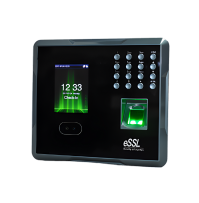
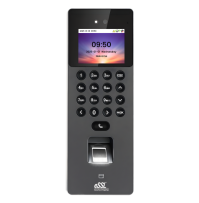
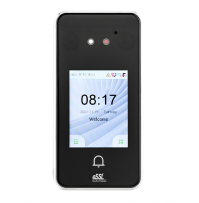

Anviz Devices
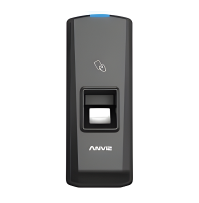

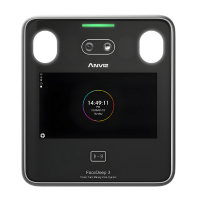


Zkteco Devices
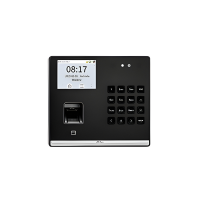
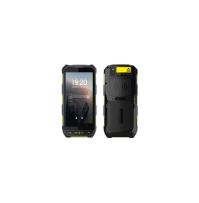
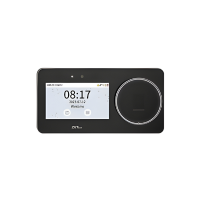
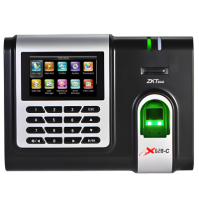
Other Devices

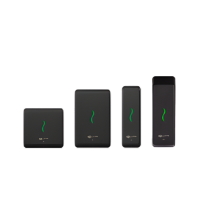
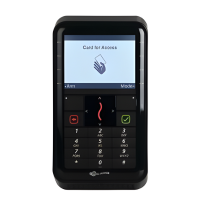
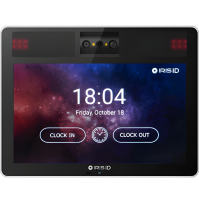
Hardware Integration Matrix
TimeCheck can support attendance data integration from selected biometric, face recognition, RFID, access control, and attendance devices based on the customer’s device model, connectivity method, deployment environment, and implementation scope.
The matrix below helps IT, Admin, Facility, and Operations teams understand the typical integration details reviewed during implementation.
Final compatibility should be validated during the implementation or technical review stage based on the exact device model, firmware, API availability, network access, and customer infrastructure.
| Device Brand | Device / Model Type | Integration Type | Compatibility | Purpose | Key Notes |
|---|---|---|---|---|---|
| Suprema | Face recognition / fingerprint terminals | API / SDK / TCP-IP | Model-level validation required | Attendance log import, employee mapping, and device-wise reporting | Compatibility depends on model, firmware version, SDK/API availability, and network access. |
| eSSL | Biometric attendance machines | LAN / Push Data / SDK | Model-level validation required | Punch log synchronization, shift mapping, and attendance processing | Offline punch sync depends on device storage, network restoration, and supported data format. |
| ZKTeco | Fingerprint / face attendance devices | TCP-IP / SDK / API | Model-level validation required | Attendance import, user-device mapping, and access log processing | Employee identifier mapping and punch format should be validated before implementation. |
| Anviz | Face / fingerprint terminals | API / SDK / Network | Model-level validation required | Punch data capture, attendance validation, and report generation | Integration method may vary depending on device firmware, API access, and deployment setup. |
| Hikvision | Fingerprint / face recognition terminals | API / ISAPI / Network | Model-level validation required | Attendance event import, access log sync, and employee matching | Requires validation of API access, permissions, network connectivity, and event data format. |
| Gallagher | Access control / keypad reader | Controller / API-based integration | System-level validation required | Access event import, attendance mapping, and system-level integration | Support depends on controller configuration, access system setup, and available integration permissions. |
| Iris ID | Iris recognition terminals | API / SDK / Network | Model-level validation required | Identity-based attendance validation and secure punch capture | Iris biometric handling typically remains device or OEM controlled unless otherwise configured. |
Hardware compatibility may vary based on device model, firmware version, API/SDK availability,
network configuration, database access, data format, and customer IT/security policies.
A technical validation is recommended before implementation.
Hardware Integration FAQs
Not always. Existing devices can be assessed before recommending replacement or new hardware.
Offline sync depends on the device storage capacity, connection method, and supported data format.
Fingerprint, face recognition, RFID, iris recognition, keypad, and access control devices may be supported after validation.
Yes, existing devices can be reviewed for integration based on model, firmware, connectivity, and available API/SDK support.

